In the last studio update, I was checking numbered pages, folds, and the paper jig. The next step was putting drawings into those pages.
That work now has its own experimental release: CDW Studio Zine v0.1.10-alpha.8. It brings together artwork layout and export tools without changing the stable 0.1.9 release.
Arrange pages in reading order
The zine workspace has eight artwork slots. I can assign drawings in the order someone will read them, then preview how the pages are arranged and rotated across the sheet for folding.
Each page can be rotated in quarter turns and fitted within its panel. Empty pages can remain blank, so I can test a partial layout without filling the entire book. The layout can also be saved as a .cdw-zine file with its artwork embedded.
A drawing across the folds
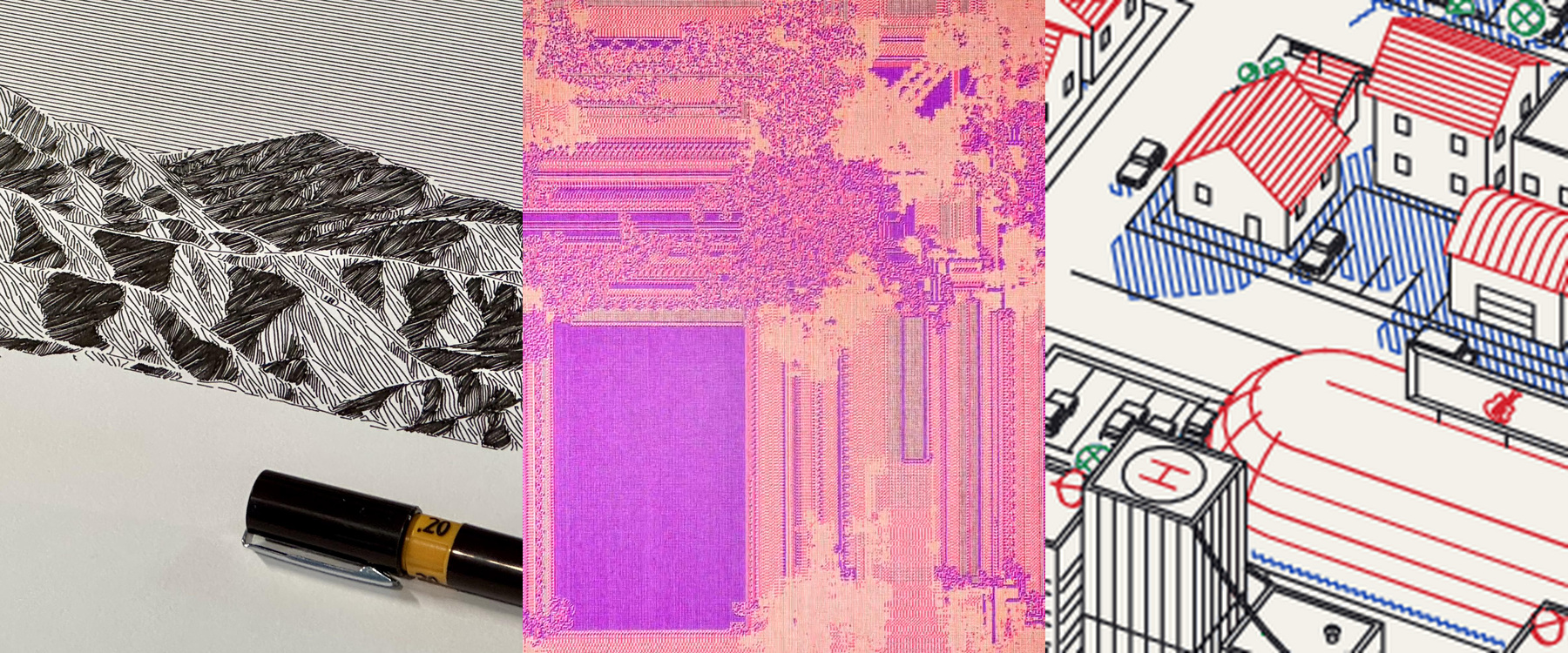
One early physical experiment repeats the same image on each page over a larger, Letter-sized topographic drawing. Everything uses the same pen color. Once folded, the larger drawing becomes fragments across the pages, giving the repeated images another layer to sit within.
That suggests another workflow to explore: drawings or textures prepared in CDW, with poetry, descriptions, or other text designed in Inkscape and plotted as a separate pass. Keeping those files aligned at actual size will be important.
Covers, numbers, and quieter guides
The new tools include optional page numbers and separate fold and slit marks. Numbers can leave the front and back covers clear or start from a chosen value. A separate wrap-cover SVG includes an adjustable spine.
For the marks themselves, I prefer small, useful references rather than a grid competing with the artwork. The center slit needs to be clear, but not every fold needs a long plotted line.
Export and review
There are three SVG outputs: an upright selected page, a separate cover, or the arranged zine sheet. An optional setting opens a successfully exported SVG directly into CDW’s artwork review. Preview and Apply remain explicit, and exporting does not start the plotter.
Page and cover paper choices also help prepare artwork at its intended size, rather than shrinking a dense drawing at the end and hoping the pen spacing still works.
What’s tested and what’s next
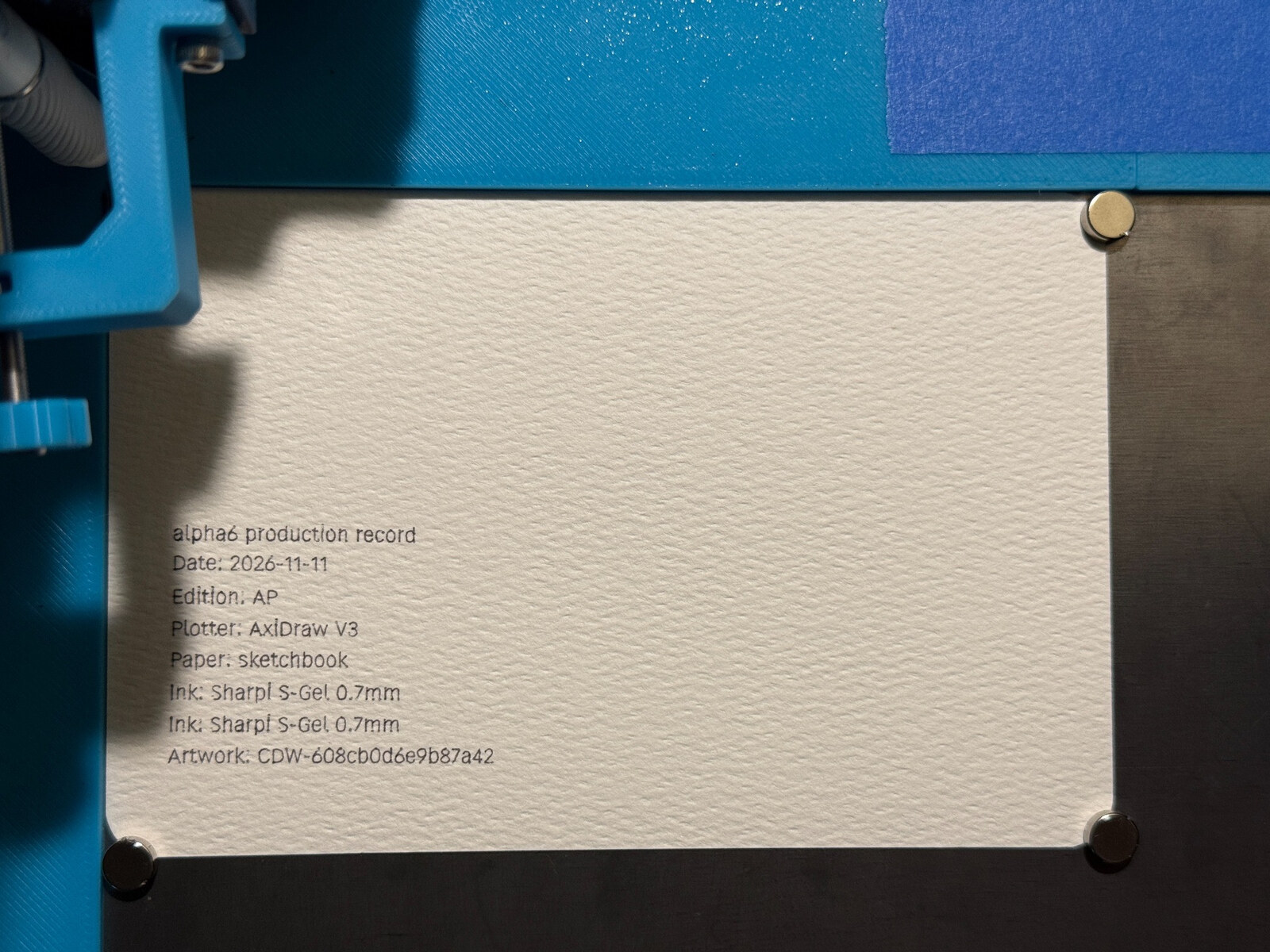
The earlier numbered proof read in order with upright text. I’ve also plotted and folded an artwork experiment and checked Alpha8’s export-and-open workflow. Final slit alignment, fit, and registration for this prerelease still need physical validation; the photos document earlier experiments, not a completed hardware qualification of Alpha8.
This is an experimental Apple Silicon build, ad-hoc signed and not notarized. It remains separate from the stable app. Pause, Stop, and recovery work is being tested separately and isn’t included.
The GitHub prerelease has the build and detailed notes. The repository is currently private, so access is required.