CDW Studio 0.1.8 is released, with a focus on the steps between making a drawing and getting it onto paper. This update brings clearer project setup, a more organized workspace, repairs to Original terrain hatching, and better guidance when a change cannot produce a valid preview.
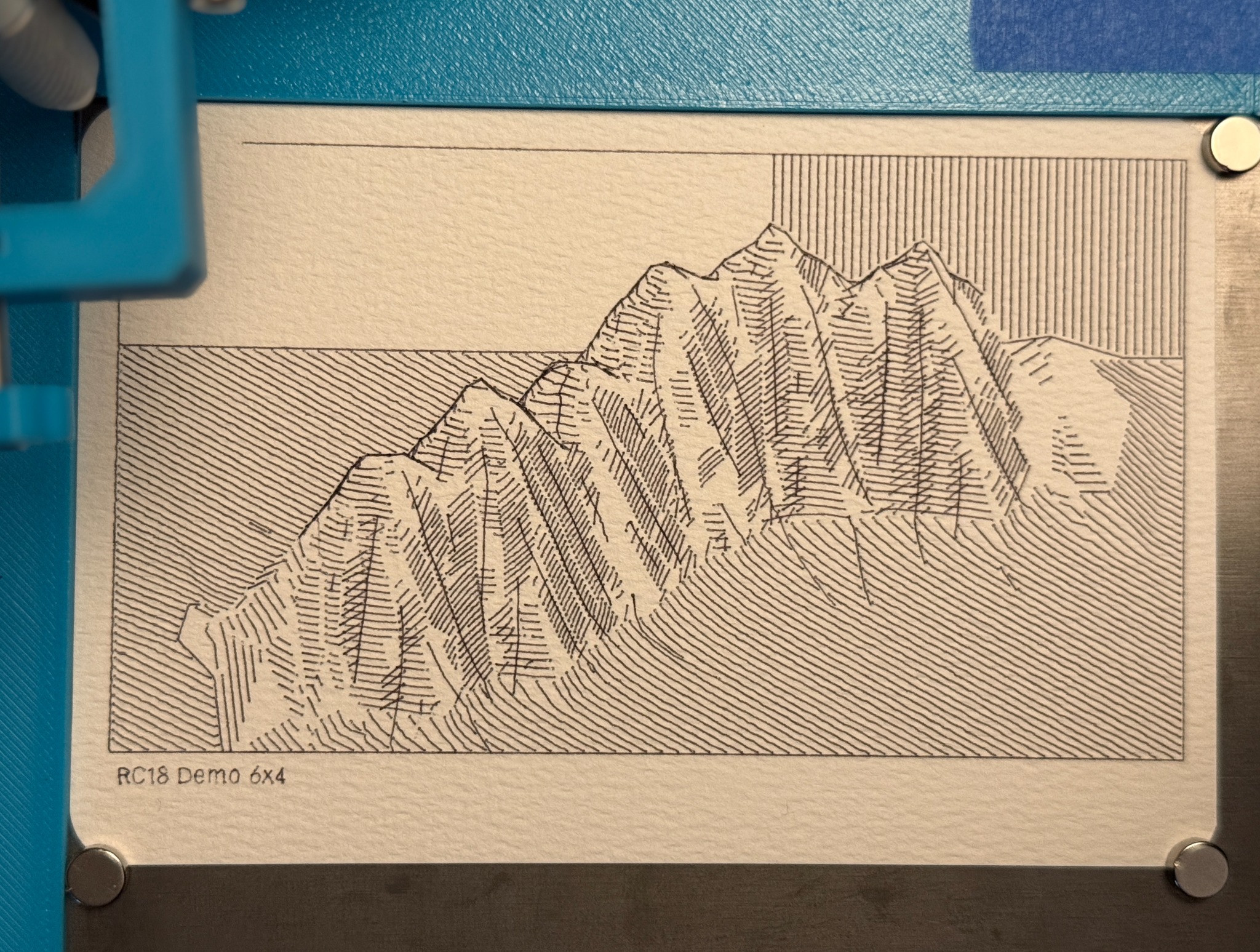
RC18 Demo 6x4. Physical terrain plot and photograph by Brad Schwartz.
The 6 × 4 demo above gives this round of work a physical reference: the mountain faces, the ground lines, the open sky and the small title along the bottom edge. Each depends on choices made in the application, from paper and pens to hatching and annotation placement.
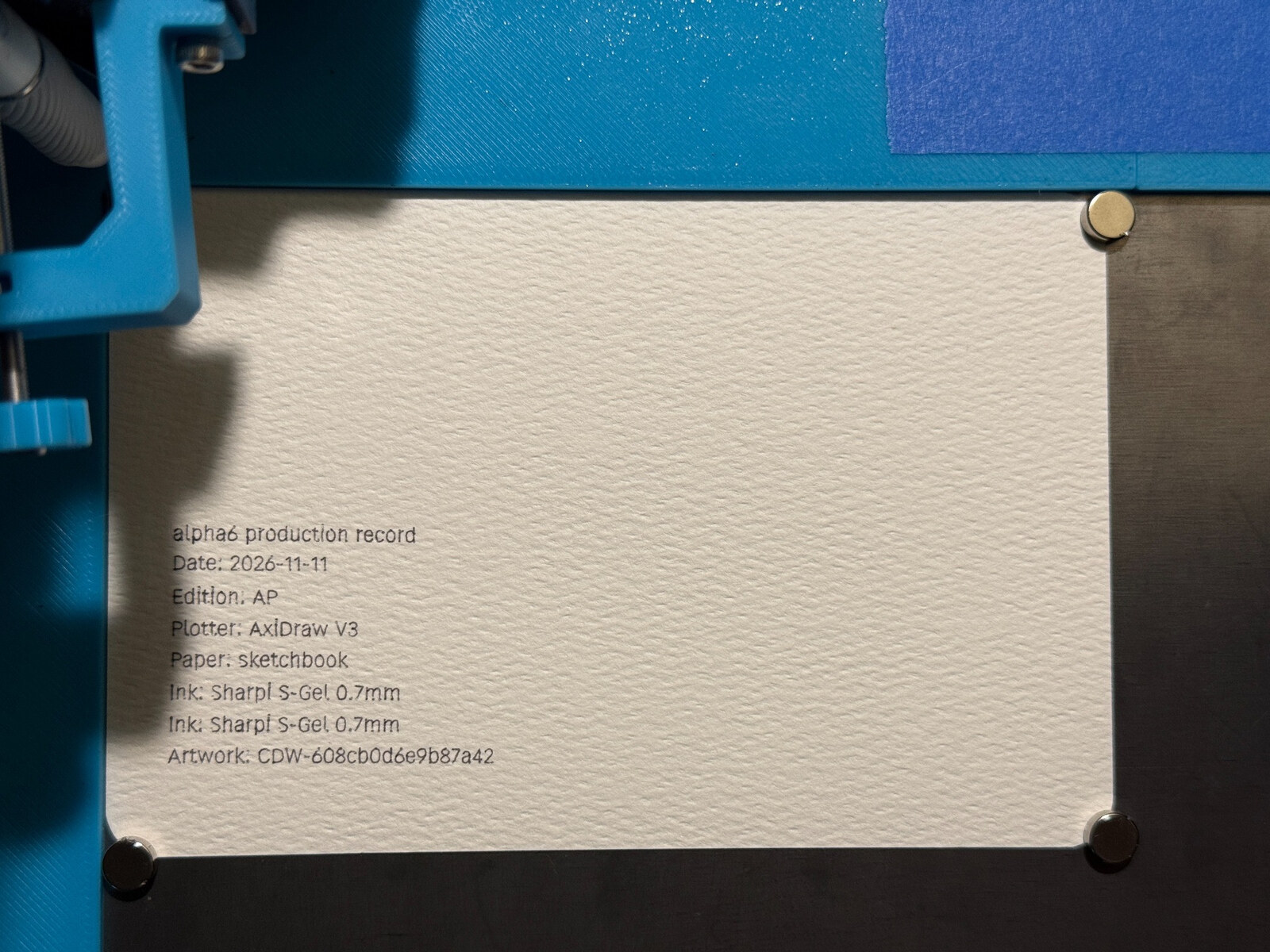
Alongside the software changes, I revisited the physical setup: matching the document to the measured card and manually checking the pen’s starting position against the jig. That let me return to the intended margins rather than compensate for placement in the drawing. This was a setup adjustment, not an automatic Home correction added to CDW.
The earlier registration work is described in A corner that stays put and Paper Margin Jig.
Paper and pens come first
New Project now starts with paper, pens and generator selection before creating the drawing. Size, orientation and margins are visible during setup. Ribbon’s initial layout takes the selected page and pens into account, and cancelling setup leaves the current work alone.
A clearer place to work
The inspector is organized into Generator, Effects and Details views, with Document setup keeping paper, project and pen settings together. Moving between views preserves pending edits. Preview, Apply and Auto Apply remain visible, so it is easier to tell what is being edited and what is already shown.
When a preview is blocked, the last valid drawing stays visible alongside the reason it cannot update. The recovery panel keeps pending changes in view and lets related setup changes be previewed and applied together. A pending seed change gets an explicit choice: keep that value or restore the previously accepted seed.
Hatching and the small marks around it
Original terrain hatching has been corrected where some rotated slopes could lose their ribbon guides. The repair keeps Original as its own drawing method rather than substituting a contour style. Regenerating an older Original-hatching project can therefore produce different marks; keeping its original SVG remains important.
Annotations have received attention too. New drawings start with a separate Annotation pen, and title and date text use consistent sizing. Existing projects retain their earlier rendering until an explicit sizing conversion. Footer warnings now point to the relevant margin or text setting, while a separate annotation pen keeps its chosen color when a terrain palette changes.
Useful choices when a drawing does not fit
For an existing Fit-whole-grid Ribbon drawing moved to smaller paper, Preview Ribbon spacing fit offers a bounded adjustment to track spacing. It preserves the seed, tile arrangement and physical pens, and still needs explicit Apply. It does not silently shrink pen widths or promise that every drawing will fit.
Dense-output warnings identify the kind of limit reached and guide review toward a relevant control. Terrain palette guidance also makes the paper-matching choice more visible, including a warning when the Structure ink has low contrast against the preview paper.
Keep the originals
Newer annotation and palette features can require project formats that stable 0.1.7 cannot open. Keep copies of existing projects and exported artwork before trying the update. Local font choices also need care when a project moves to another machine.
Version 0.1.8 is published in the project’s private GitHub repository. The release page and build downloads require repository access; this is not a public download.